
In brief: Learn how to use the Gemini Memory summary feature to view, edit, and delete what Google's chatbot stores about you across your chats.
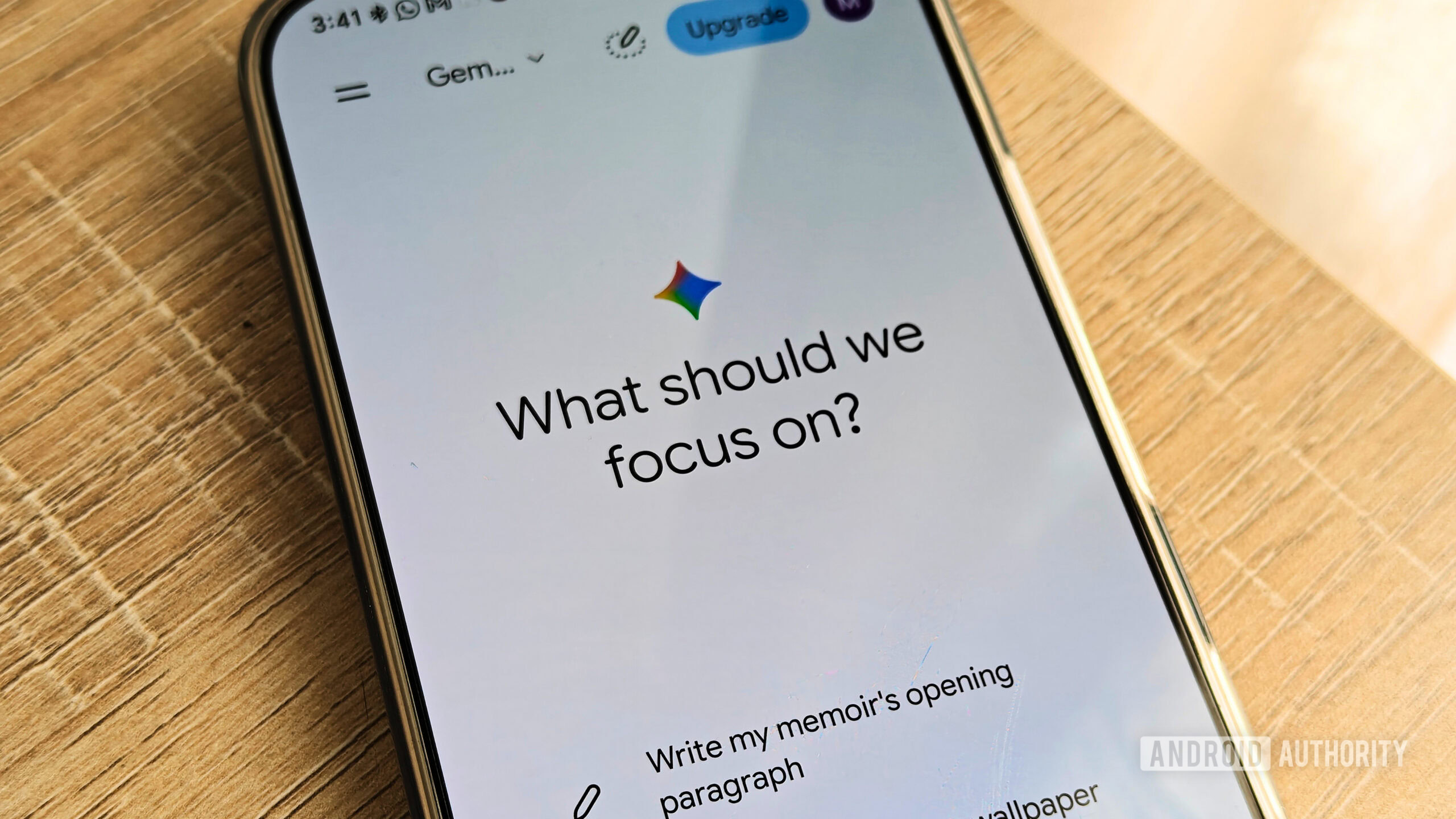
Google has introduced a new feature designed to give people greater visibility and control over how the tech giant's artificial intelligence chatbot remembers them. The recently launched Gemini Memory summary tool lets users review, manage, and completely erase the specific details that the system retains from past conversations and linked applications. As AI tools increasingly rely on past interactions to deliver personalized insights and tailored responses, understanding how to manage this accumulated profile has become essential for maintaining digital privacy.
How to Access and Manage Your Gemini Memory Summary
For individuals looking to inspect their personal AI profile, navigating to the correct menu is straightforward across both desktop and mobile platforms. According to reporting and technical guides, users can locate this information by opening the application or web interface, navigating to Settings, selecting Personal Intelligence, and finally choosing the Gemini Memory summary option.
Once inside this dashboard, individuals are presented with a comprehensive view of all information stored in a single window. The system gathers these details over time from regular chat histories and connected apps to shape how the assistant interacts with you. For instance, the profile might recall specific personal details, such as owning two cats, to frame future recommendations.
When you spot outdated, incorrect, or unwanted information inside your summary, making adjustments is simple. Users can modify or eliminate specific entries by selecting the pen icon or by using an interactive text box labeled Add or remove details. This targeted approach allows you to curate what the assistant retains without necessarily wiping out your entire history.
Steps for Complete Data Deletion
Simply editing individual data points may not be enough for users who want a total reset of their AI interactions. To completely purge all stored data and stop the system from collecting future details, a multi-step process is required across different account menus.
To achieve a thorough cleanup, users must complete the following actions:
- Turn off the Memory feature entirely within the settings menu.
- Manually delete previous chat sessions that might contain sensitive logs.
- Navigate to the Gemini Apps activity account page to disable the Keep activity setting.
Additionally, for ongoing conversations where you prefer the AI not to retain any long-term context, utilizing temporary chats serves as an effective preventive measure. Temporary chats ensure that the exchange does not feed into the broader memory architecture.
Official Restrictions Versus Real-World Availability
While the mechanics of managing your stored information are clear, official documentation and real-world user experiences currently contain notable contradictions regarding who can access the tool. According to official Google Support guidelines, the capability is intended exclusively for users located in the United States who subscribe to a paid Google AI plan.
However, hands-on testing and reporting by writers such as Megan Ellis and Marvin Velasco for Android Authority revealed a different reality. The author successfully accessed the capability on a standard free tier outside of the United States. Furthermore, the current implementation carries language limitations, remaining exclusively available in English regardless of where the user is accessing it.
Conclusion
As artificial intelligence continues to integrate into daily digital routines, managing tools like the Gemini Memory summary empowers individuals to keep their personal information under check. By understanding where these controls reside and knowing how to completely wipe stored activity when desired, users can balance the convenience of tailored AI responses with personal data privacy.
Source for this report: androidauthority.com.